
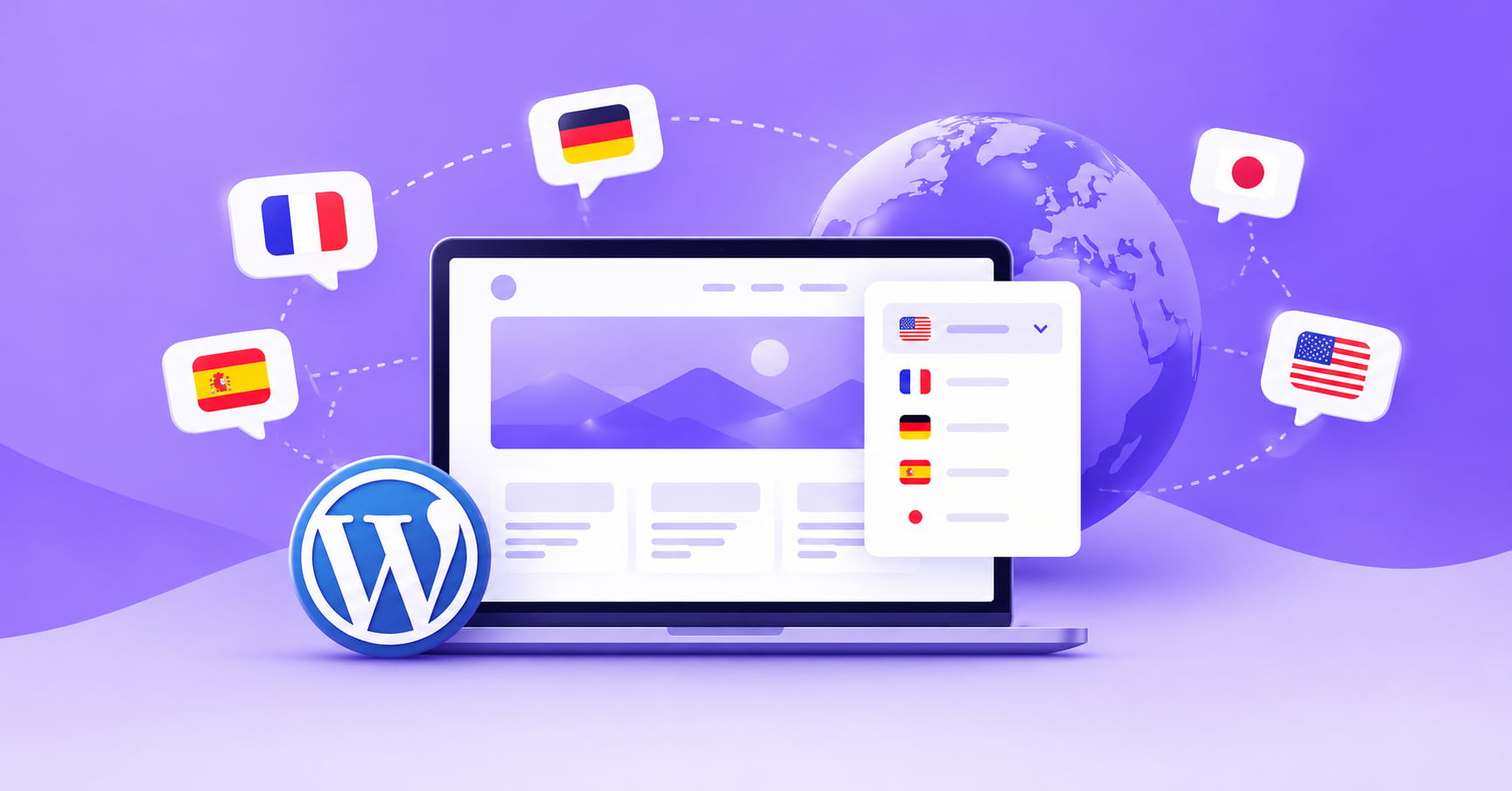
A multilingual WordPress website is a WordPress site that shows its content in more than one language, so each visitor can read it in the language they prefer. Each language usually has its own web address, such as /es/ for Spanish, and visitors can switch between languages with a menu or button.
That’s the short version. The rest of this guide explains how it works, why people build them, and what you need before you start.
How a multilingual WordPress website works
You write your pages in one main language, called the default language. A multilingual setup then publishes the same pages in other languages, each on its own URL.
Say your site sells handmade soap and your default language is English. A multilingual setup could give you:
example.com/soap/        English (default)
example.com/es/soap/     Spanish
example.com/ar/soap/     Arabic
A visitor from Madrid lands on the Spanish page and reads your product description in Spanish. If they’d rather read English, they use the language switcher and move to the English page.
Behind the scenes, the site also tells search engines which page belongs to which language. This is done with small bits of code called hreflang tags. Without them, Google has to guess, and it sometimes guesses wrong.
Multilingual site vs. a translate button
Lots of sites add a “translate this page” button and call it done. It’s a start, but it isn’t the same thing as a multilingual site.
A plain translate button changes the text in the visitor’s browser. The page address stays the same, so there’s no separate English, Spanish or Arabic page to link to or share. Search engines also have a harder time understanding what’s on offer in each language.
A proper multilingual WordPress website gives each language its own address, and it tells search engines about all of them. That’s what lets a Spanish speaker find your Spanish page in Spanish search results and share that exact link with a friend.
One honest note about Translera: the free version translates in the browser using Google Translate, and gives each language its own URL and hreflang tags. If you want translated page slugs and meta descriptions, which help each language rank properly in search, that’s part of Translera Pro.
Why people build a multilingual WordPress website
The reasons are usually practical.
- You have visitors who don’t read your language. Open your analytics. If people from Spain, Brazil or Egypt are already finding you, a translated site meets them where they are.
- You sell to other countries. A shopper who can read the product page, shipping details and returns policy is more likely to finish checkout.
- You serve a community with more than one language. Think of a clinic, a school or a local business whose customers speak different languages at home.
- You want to show up in more search results. Someone searching in Spanish won’t find an English-only page. A Spanish version gives you a chance to appear.
None of this means every site needs another language. A local plumber whose customers all speak one language doesn’t need one. But if any of the above sounds like you, it’s worth considering.
What a multilingual WordPress website needs
Four pieces make it work. Most WordPress translation plugins handle all four, so you don’t build them by hand.
1. Language URLs. Each language gets its own address. Subdirectories like example.com/fr/ are the most common choice and are easy for search engines to follow. The other option is a query parameter like ?lang=fr.
2. Translation. Someone or something has to turn your text into the other languages. That might be an automatic engine such as Google Translate, DeepL, OpenAI or Claude, or a human translator, or a mix. Automatic translation is fast and cheap. For important pages, a person should read the result.
3. A language switcher. This is the dropdown, flag icons or list that lets visitors change language. It should sit somewhere easy to find, usually the header. A good language switcher matches your design instead of looking tacked on.
4. Hreflang tags. These tell Google “this page also exists in Spanish at this address.” They help the right version reach the right person.
If your site serves Arabic, Hebrew, Persian or Urdu, you also need right-to-left (RTL) support, so that the layout flips to read from right to left.
Do you need a multilingual WordPress website?
Ask yourself three questions:
- Do I already get visitors who speak another language?
- Do I want to sell or serve people in another country?
- Would a customer feel more confident buying or contacting me in their own language?
If you answered yes to any of them, a second language is worth trying. You don’t need to translate your whole site on day one. Start with your most important pages, such as the home page, your main service or product pages and the contact page, and add more as you see results.
Ways to build a multilingual WordPress website
There are three common routes.
- A translation plugin. You install a plugin, choose your languages and add a switcher. This is the quickest option and the one most site owners pick.
- WordPress Multisite. You run a separate site for each language inside one WordPress network. It gives you full control but takes more setup and upkeep.
- Manual duplication. You copy each page and translate it by hand. It works for tiny sites but gets painful as you grow.
For most people, a plugin is the right starting point.
How to start with Translera
Translera is a WordPress translation plugin with a free version on WordPress.org. Setup takes three steps:
- Choose your languages. Set your default language and turn on the ones you want to publish. More than 110 are available.
- Pick a URL structure. Subdirectories such as
example.com/fr/are recommended. - Add the language switcher. Use the Gutenberg block, the Elementor widget or the
[translera_switcher]shortcode.
The free version uses Google Translate with no API key, so you can try it today. If you later want DeepL, OpenAI or Claude, translated slugs and meta descriptions, or a glossary to keep brand names unchanged, those come with Translera Pro, using your own API key for the engines.
Where to go next
If you’re ready to try it, you can download Translera free and have a second language running in an afternoon.